The short answer
Separate essential order notifications from discretionary marketing. Use reliable order and delivery states to send relevant setup or care information, pause unsuitable promotions during problems, and time replenishment from realistic product use. Test cancellations, delays, refunds and repeat orders before launch.
Map the experience after payment
A paid order begins several different customer tasks: confirming the purchase, knowing when it will arrive, preparing to use it, resolving problems and deciding whether to reorder. Map these tasks before writing a cross-sell series. The right next message depends on what is happening to the order, not simply how many days have passed since checkout.
Inventory the messages already sent by the commerce platform, shipping app, helpdesk and email provider. Record the owner of receipts, shipment updates, delivery notices, onboarding, review requests and promotions. A customer can receive duplicate or contradictory messages from several systems even when each local automation looks reasonable. Keep one primary owner for each communication purpose. Identify required data and current gaps. If delivered status is unavailable, do not write a message that asserts the parcel arrived merely because a calendar delay elapsed.
Separate transactional and marketing purposes
Order confirmation and shipping information serve immediate order needs. A product recommendation or discount is a different communication purpose, even if it follows a purchase. Brevo's message-type guidance distinguishes purely informational transactional content from promotional content. Review the actual message and applicable permission requirements with the responsible owner; a flow's name does not determine its legal or platform classification.
Keep essential information dependable. Klaviyo's post-purchase guide recommends separating order and shipping confirmations from the marketing journey. The operational benefit is clear: a marketing branch or suppression rule should not accidentally prevent necessary order updates. Avoid hiding promotions inside receipts to bypass the marketing process. Document which system sends each message and what happens when an integration fails so the customer is not left without critical information.
 Keep this framework
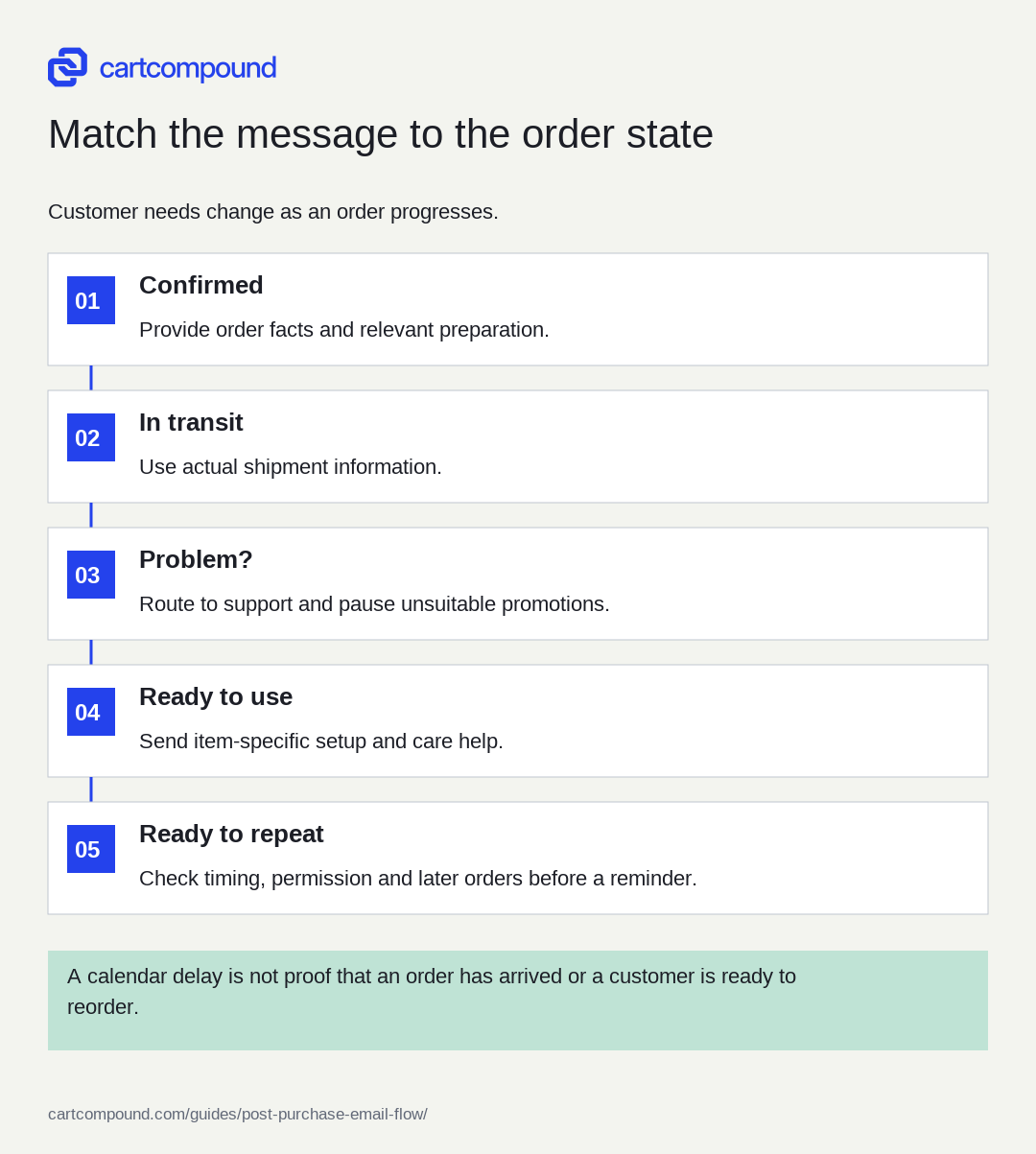
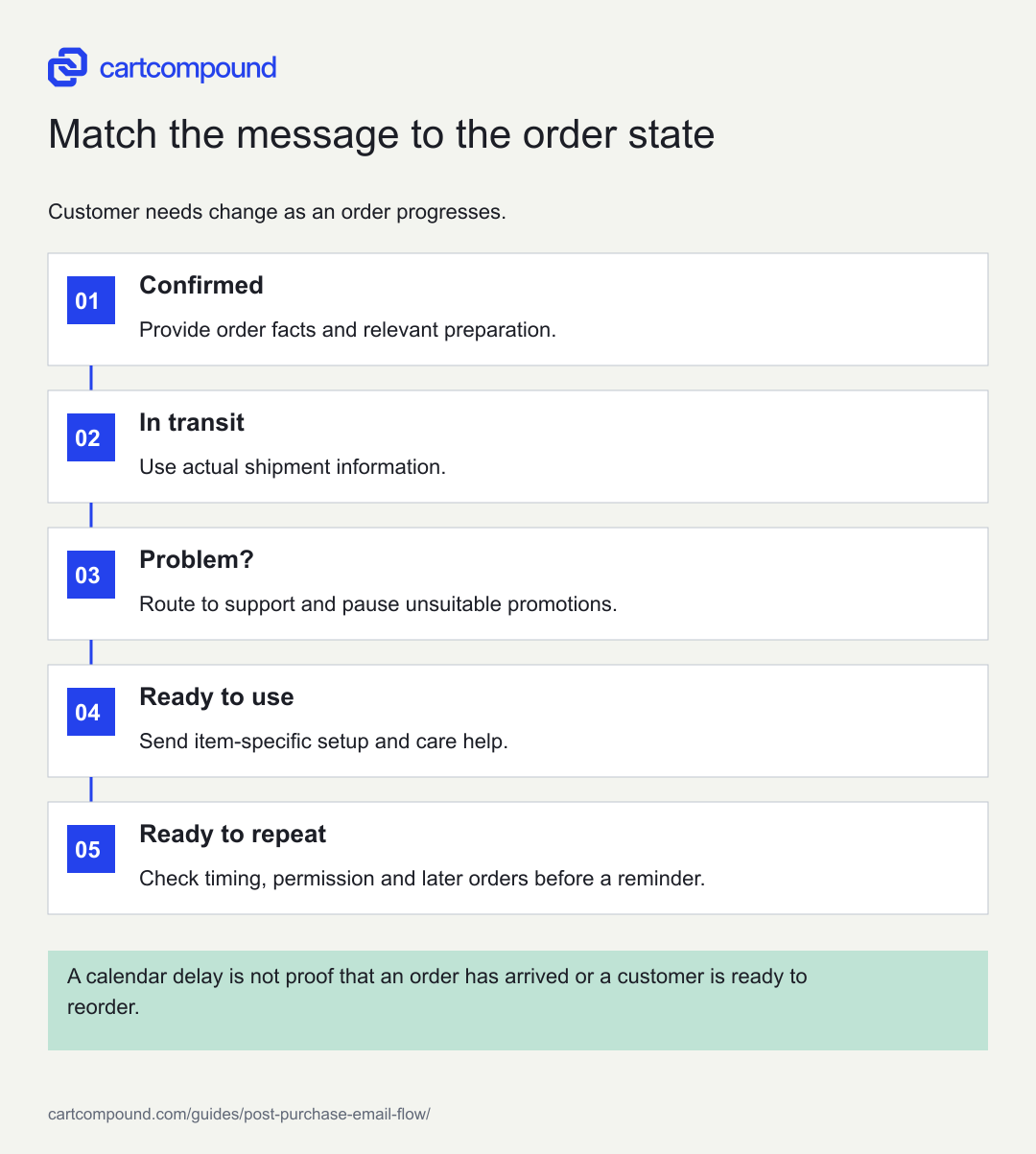
Match the message to the order state
Customer needs change as an order progresses.
- ConfirmedProvide order facts and relevant preparation.
- In transitUse actual shipment information.
- Problem?Route to support and pause unsuitable promotions.
- Ready to useSend item-specific setup and care help.
- Ready to repeatCheck timing, permission and later orders before a reminder.
A calendar delay is not proof that an order has arrived or a customer is ready to reorder.
Use the steps with your store data. Examples in this guide are illustrative unless a source is named.
Choose triggers from the state they represent
A placed-order event can support a thank-you message or preparation advice, but it does not establish fulfillment or delivery. A shipping event establishes another stage, and delivered status can support product-use follow-up if reliable. Check which events your integration actually provides and how quickly they arrive. Avoid assuming an integration has every state listed in the platform's developer documentation.
Klaviyo's shipping integration guide describes distinct order and shipment events, including delayed and delivered states. Use the concepts to define your requirements, then verify live or approved test data. Record identifiers that connect messages to the correct order and shipment. Split shipments and partial fulfillment require particular care. A single shipment being delivered does not prove all items in the order are ready for a review or a complete-product setup instruction.
Build an order-state message matrix
On a small screen, swipe the table to see every column.
| Order state | Useful message | Guardrail |
|---|---|---|
| Order confirmed | Receipt and relevant preparation | Do not imply shipment has occurred |
| Shipped | Tracking and delivery expectations | Use the actual shipment link |
| Delayed or unresolved | Accurate support route and status | Pause celebration and aggressive promotions |
| Delivered and usable | Setup, care and troubleshooting | Match the purchased item |
| Likely replenishment stage | Relevant reorder help | Recheck subsequent purchase and availability |
Add the event, data source, permission rule and stop condition to the working version. This turns a vague lifecycle plan into implementable logic. Include unknown states explicitly. If a status is missing, route the case to a safe fallback or wait rather than asserting a fact. The matrix should also define who owns exceptions so an unresolved delivery issue does not remain invisible while ordinary marketing continues.
Design onboarding around the product
Choose instructions that reduce the chance of misuse or confusion. A garment may need care guidance; furniture may need assembly preparation; a refillable product may need initial setup; a technical device may need compatibility checks. Use approved product documentation and preserve important caveats. Do not invent safety instructions, treatment claims or warranty terms to make an email more complete.
Personalize only with reliable item data. If an order contains several products, define which instruction set takes priority and how the recipient can find the rest. Avoid long emails containing every manual. Give a concise next step and a clear route to the relevant source. Ensure the destination remains useful on a phone. A shopper should not have to search the whole store to identify which instruction belongs to their purchased model. Keep product-specific content owned by someone who can update it when packaging, components or care guidance changes.
Work through a delayed furniture order
Consider an illustrative store selling a desk with a separate accessory shipment. The desk ships late, while the accessory arrives on time. A generic flow sends “enjoy your new desk” seven days after purchase, asks for a review the next day and offers another desk shortly afterward. Every message can be technically on schedule while being inappropriate to the customer's actual experience.
Repair the state logic. Keep receipts and shipment information tied to the right shipment. Hold desk-use instructions until the desk's relevant state is known, while making preparation guidance available earlier if useful. Pause the review request during an unresolved delivery problem. Route the customer to support with accurate order context. Later, after delivery and a reasonable opportunity to use the desk, a review request may be appropriate under the store's policy. The example shows why event quality and exception handling deserve attention before adding more post-purchase offers.
Time reviews and replenishment realistically
A review request should follow a genuine opportunity to experience the product. That interval differs for immediate-use goods, gifts, seasonal products and items that require installation. Keep requests neutral and follow the applicable platform and review rules. Do not condition rewards on a positive rating or selectively solicit only favorable experiences as a shortcut to a better-looking score.
Replenishment timing should reflect product quantity, expected usage and actual repeat behavior where available. An illustrative 30-serving product might support a reminder near a plausible consumption interval, but servings do not establish how quickly every customer consumes it. Let customers adjust preferences or skip reminders when practical. Before sending, recheck later orders, subscription status, returns and current stock. A person who has already reordered should not receive a message claiming they are about to run out based on an obsolete timeline.
Create exception and stop conditions
On a small screen, swipe the table to see every column.
| Exception | Flow response to define |
|---|---|
| Order canceled | Stop order-specific onboarding and reorder assumptions |
| Full or partial refund | Reassess which items still belong in the journey |
| Delivery problem | Pause unsuitable promotions and route to support |
| Repeat purchase | Prevent duplicate onboarding where it adds no value |
| Marketing unsubscribe | Honor suppression while preserving permitted essential updates |
Use send-time checks where the platform supports them. A customer state can change after entry. Review how support status, refund events and subsequent orders reach the email system. If a necessary state is unavailable, simplify the flow or add a manual review instead of pretending the condition is covered. Keep exception fields current and avoid storing sensitive free-text support notes in broad marketing attributes when a minimal status flag will do.
Test the complete journey before enabling it
Create approved test cases for a standard order, a repeat buyer, multiple products, split shipment, delayed delivery, cancellation, refund and unsubscribe while waiting. Verify which message each case should receive and which should be skipped. Inspect dynamic item blocks, tracking links, product manuals, fallback names and missing event data. Check the actual recipient timeline rather than relying only on a message preview.
Include the commerce and shipping systems in the test because the email platform cannot correct an event it never receives. Confirm timestamps and timezones when diagnosing an apparently early message. Test duplicate events and repeat entry so retries or order edits do not create duplicate sends. Save evidence and a pause procedure. A successful release means both the normal and exception paths work as intended. It does not require a large number of emails; a short journey with reliable state handling is easier to operate than a complex sequence built on assumed delivery dates.
Model partial returns at item level
A partial return changes the customer journey differently from a full cancellation. Consider an illustrative order containing a kettle and a replacement filter pack. The kettle is returned, but the customer keeps the filters for another compatible appliance. A broad “has refund” exclusion might stop every useful message, while no refund handling might continue sending kettle instructions and kettle-specific accessories. Define the intended behavior at the level the integration can reliably represent.
Create a worksheet with order ID, item ID, original quantity, retained quantity, relevant refund or return state and eligible follow-up. Keep accounting refunds distinct from physical return receipt when the source system distinguishes them. A refund does not prove a usable item has arrived back in inventory, and a customer can request help before either event. Avoid using an ambiguous monetary event to make unrelated product-use or stock decisions. When item-level state is unavailable, choose accurate general wording or route to review instead of making a confident assertion about what the customer kept.
Test a partial refund after the first onboarding message but before a later review request. Verify whether the platform reevaluates the relevant state before sending, how it matches items and what happens to a queued recommendation. Check a second order containing the same item so an old return does not permanently suppress legitimate future help. Preserve the expected outcome for each case. This is a targeted complexity worth adding when mixed orders and partial returns are material to the store. A small store with simple orders can use a simpler documented fallback, but should still understand its limitations and avoid treating all post-purchase customers as if the original order remained unchanged.
Measure customer outcomes and commercial contribution
Use support records, delivery inquiries, product-use questions, repeat orders and returns where the data supports meaningful categories. Track complaints, unsubscribes and incorrect-message reports as guardrails. Define platform-attributed revenue separately from incremental repeat purchasing. A later order may follow many influences, including product satisfaction and regular consumption, not just the last email.
Your next action is to map existing senders and one product family's order states, then fix the most damaging mismatch. Add one useful product-use message only after the data supports its timing and exclusions. Review the program after changes to shipping integrations, product instructions, return policies or subscriptions. The practical aim is to help customers receive and use what they purchased and to make a relevant next purchase easier when appropriate. Commercial evaluation should include the quality and cost of that experience, not only revenue credited to post-purchase messages.
Your action checklist
Use this to decide what to do next. Your checks stay on this page and are not sent or saved.
0 of 5 checked
Common questions
Should post-purchase emails start immediately?
Necessary order information should arrive appropriately, but use, review and reorder messages need their own state and timing rules. Payment is not proof of shipment or delivery.
Can a fixed delay replace delivered status?
It can support a clearly qualified fallback in some situations, but it should not assert delivery. Test delays and define how unknown or problematic orders are handled.
Should I send cross-sells after every order?
Only when the recommendation is useful, permitted and compatible with the customer’s order state. Resolve delivery or product problems before asking for another purchase.
Sources and review
Source documentation checked October 27, 2026. Platform features and interfaces can change. The recommendations and illustrative examples explain how to make the decision; they do not promise results.
- How to create a post-purchase flow
Separate transactional confirmations and post-purchase marketing journey. - Integrate a shipping platform
Distinct shipment and delivery event concepts. - Marketing, transactional and automation emails
Purpose and promotional-content distinctions.
Talk through your store question
Bring one problem you want to solve.
A free 20-minute call with Hamid can help you decide what to investigate next.
Book a free 20-minute call
About the author
Hamid Khan
Hamid co-founded CartCompound and works with ecommerce founders on their stores and growth priorities.
Profile and guides