The short answer
Prepare a trustworthy, functional store and accurate product records, then configure Merchant Center for the supported markets and free-listing destinations. Verify selected item URLs, price, stock, shipping and returns information. Diagnose account, source, item and landing-page problems separately. Eligibility allows participation; it does not guarantee impressions or placement.
Understand what free listings offer and what they do not
Free listings can make eligible products available to appear across supported Google surfaces without a paid click charge for the listing. They are not the same as a Shopping ad campaign, and setting them up does not guarantee that each product will be shown. Google's Free listings for products describes current eligibility, setup and supported surfaces.
Treat the program as an additional product-discovery channel supported by accurate data. The website still needs to work for customers, and Google still evaluates policy compliance and relevance. Do not frame account approval as a ranking achievement or assume every product should receive impressions immediately. A product can be technically eligible while demand, competition or relevance limits exposure.
Define the scope before connecting systems: business entity, store domain, countries, currencies, languages, inventory source and the owner of product-data exceptions. Distinguish online free listings from local inventory programs if the business also operates physical stores. They can have separate requirements and sources, so a local-inventory warning does not necessarily mean the online catalog is broken.
Check the storefront before connecting the catalog
Review the actual customer journey from product page through cart and available checkout steps. The business identity, contact route, delivery information and returns policy should be clear and accurate. Products must be described honestly, with supported claims and real purchase conditions. Google's Free listings policies covers free-listing policies and website requirements.
Verify that important information is accessible on mobile and does not depend on an account where public disclosure is needed. Check market coverage and delivery restrictions. Do not represent products as available to a country when the store cannot fulfill those orders. Resolve unsupported claims and misleading promotions before treating the problem as a feed-format issue.
Create a readiness sheet with business identity, domain control, product eligibility, purchase function, shipping information, returns information and accountable owner. Legal and regulatory details depend on the product and market, so use approved records and qualified review rather than copying another retailer's wording. A technical connector cannot make an ineligible product or misleading store compliant.
 Keep this framework
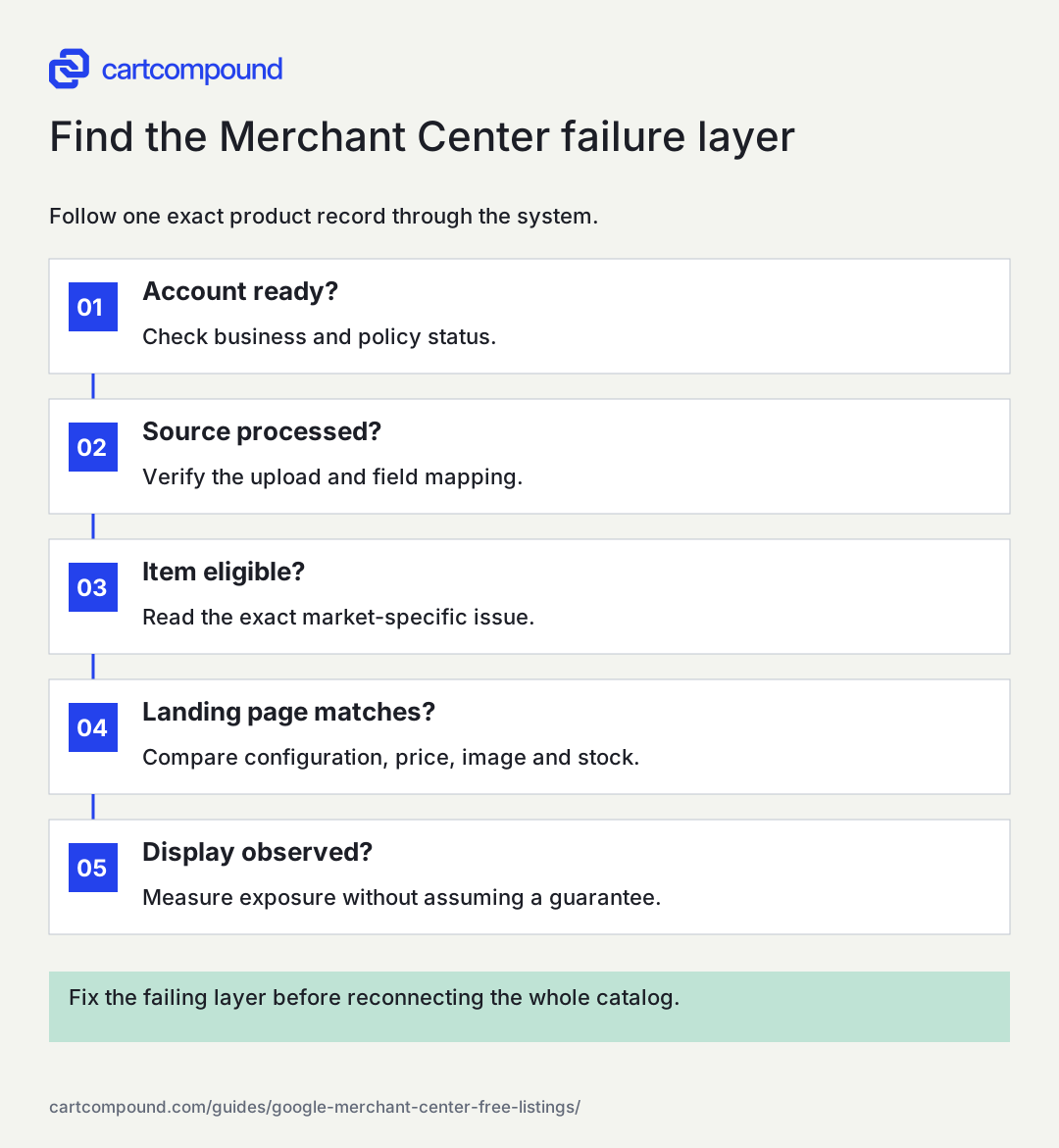
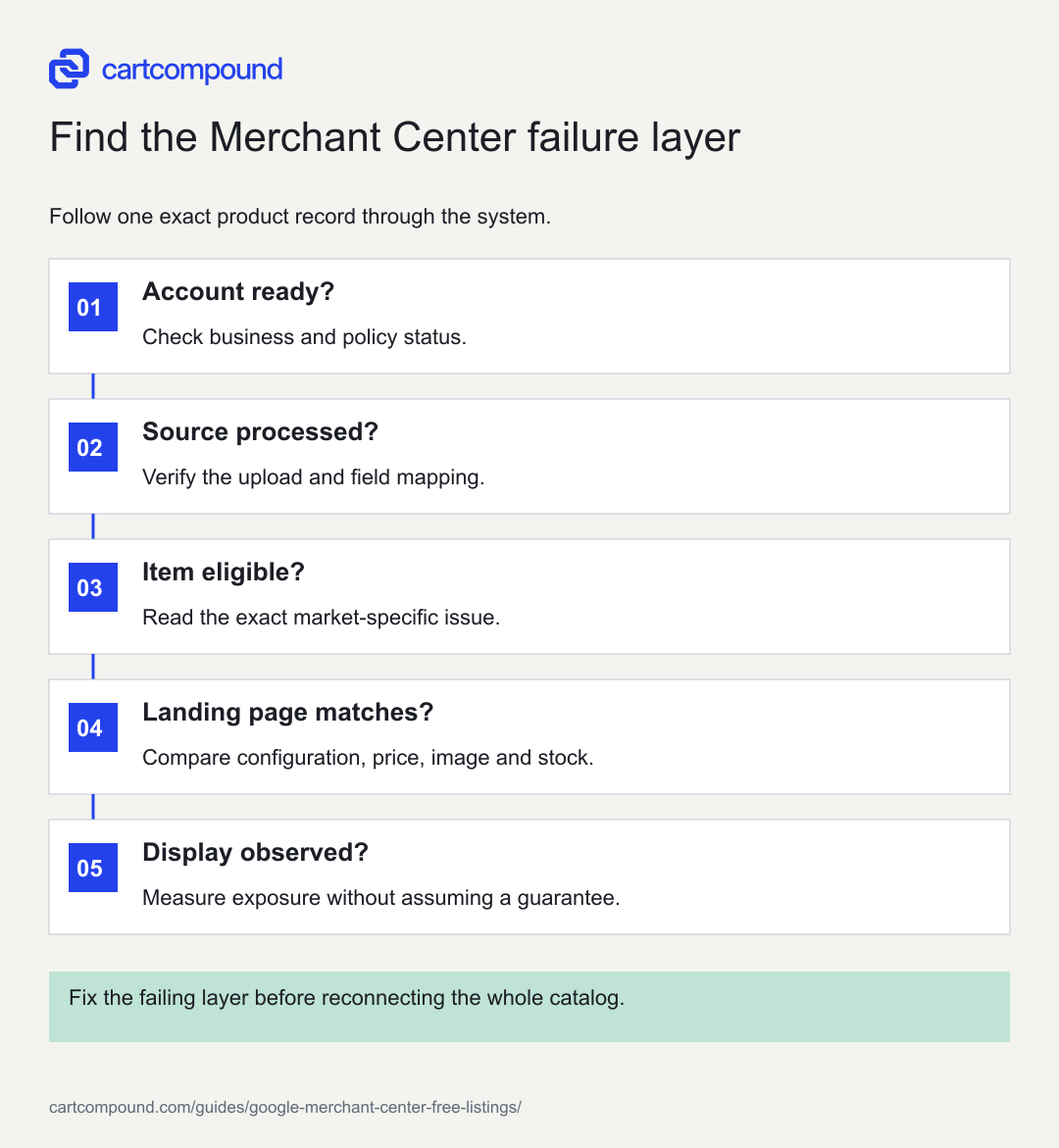
Find the Merchant Center failure layer
Follow one exact product record through the system.
- Account ready?Check business and policy status.
- Source processed?Verify the upload and field mapping.
- Item eligible?Read the exact market-specific issue.
- Landing page matches?Compare configuration, price, image and stock.
- Display observed?Measure exposure without assuming a guarantee.
Fix the failing layer before reconnecting the whole catalog.
Use the steps with your store data. Examples in this guide are illustrative unless a source is named.
Choose one governed product-data pipeline
Identify the authoritative source for product identity, images, selected URLs, price, stock and market eligibility. Decide which integration or upload method maintains Merchant Center. Avoid creating overlapping sources without understanding how their records interact. Stable item IDs help the team follow the same offer through updates and diagnostics.
Google's Product data specification is the primary reference for product attributes. Required and conditional fields depend on the product and destination. Use legitimate identifiers where they exist, accurate variant attributes and consistent grouping. Do not invent a GTIN or label every item identifier-free merely to avoid a warning.
Document refresh timing and exception handling. A source can upload successfully while still containing stale information. Record what happens when an inventory update fails, a product is unpublished or a market price changes. A reliable pipeline has an owner for fixing individual records and another clear owner for repairing systemic mapping defects. Keep credentials and private configuration out of editorial or troubleshooting exports shared more broadly.
Validate representative records against the exact landing page
Choose a simple product, a multi-variant product, a sale item and an unavailable item. Compare the exact record and URL used for each market. The link should land on the correct configuration, with matching image, currency, active price and stock state. Test in a fresh session so prior variant choices do not hide a problem.
Merchant Center availability needs to match the landing page, checkout and structured data under the product specification. Conditional prices need careful representation. A member-only or subscription offer should not be used as an unrestricted price without meeting the relevant requirements and making conditions clear. Verify current documentation when the pricing model is complex.
For an illustrative backpack with two sizes, the small offer costs $58 and the large costs $68. A feed record for large must not open a page defaulting to small while displaying $58. These are example prices. The defect is a mismatched destination and offer, not an opportunity to choose whichever number appears more competitive. Trace the variant mapping before requesting a review.
Diagnose the layer that is actually failing
Separate account-level restrictions, data-source processing, item-level errors and landing-page problems. A product title edit cannot solve an account verification issue, and reconnecting the entire integration may be excessive for one malformed image URL. Start with the exact status and explanation displayed in the current account.
On a small screen, swipe the table to see every column.
| Failure layer | Evidence to collect | Next investigation |
|---|---|---|
| Account | Restriction or policy reason and affected scope | Business, website or program requirements |
| Data source | Processing result and mapped fields | Upload format, integration and refresh behavior |
| Item | Exact item ID, market and issue | Required facts, identifiers, images or grouping |
| Landing page | Fresh URL entry and purchase state | Access, selected variant, price and stock |
Save the issue text, item identifier, date and relevant public evidence. Interface labels can change, so follow the current status explanation rather than a remembered navigation path. Look for shared patterns across affected items. If every translated item fails similarly, investigate market mapping before editing hundreds of descriptions individually.
Handle images, shipping and returns as factual systems
Images must accurately represent the product and meet the applicable requirements. Check the exact image URL is accessible and shows the intended item without promotional overlays or misleading additions. Review variant imagery and whether an integration selects a low-resolution thumbnail instead of the appropriate source image.
Shipping information should match the supported market and purchase path. Record processing assumptions, service areas and charges from the operational source. Returns information should be consistent with the public policy and applicable product exceptions. Do not create an attractive setting in Merchant Center that the store cannot honor. Google's free-listing documentation recommends adding return policy information in Merchant Center and maintaining it on the website.
Keep these facts under review when carriers, fulfillment centers or policies change. A product feed can remain syntactically valid while delivery information becomes wrong. Add the settings to the release checklist for market launches and shipping-rule changes. The owner responsible for a connector may not be the person authorized to decide the business's delivery or returns terms.
Correct evidence before requesting review
When an issue allows review or appeal, fix the underlying problem and verify the public state first. Reproduce the affected record, confirm the correct update reached the source and inspect the live destination. Avoid repeated review requests while the same factual mismatch remains. Save the corrected evidence and date so a later response can be interpreted against the relevant state.
Do not create another account or disguise products to bypass a policy decision. Google's policies address attempts to evade review and misrepresentation. Use the documented correction and appeal process applicable to the account. If the explanation is unclear, gather exact issue evidence and seek the appropriate support route rather than guessing at prohibited content or changing unrelated systems.
For systemic defects, validate a representative subset before sending a full corrected catalog. Then check processing results and affected item counts. A successful upload is not equivalent to every item becoming eligible, and eligibility is not equivalent to display. Keep those stages separate in the status report so the business knows what has actually improved.
Trace a mismatch using timestamps and exact identifiers
For a repeated price or stock issue, build a small incident timeline rather than repeatedly pressing refresh. Record when the authoritative product changed, when the source integration sent the update, when Merchant Center processed it and what the public landing page displayed. Use the exact item ID, variant and market at every step. Similar product names can otherwise make two different offers appear inconsistent.
The timeline helps distinguish stale source data, delayed processing, incorrect field mapping and a cached or misselected landing page. Each points to a different owner. If the integration never sent the new value, requesting an item review does not repair the pipeline. If the record is current but the page selects another configuration, the issue belongs in destination behavior.
After fixing the cause, test another normal update rather than relying only on the manually corrected record. Change testing must follow the store's authorized process and should not introduce false public prices. Use a controlled product or supported test method where appropriate. The acceptance criterion is that the next legitimate inventory or price change flows correctly, with an exception alert or accountable review when it fails. That is stronger evidence than one clean screenshot of a record that required manual intervention.
Measure exposure and maintain data quality
Track eligible items, unresolved issue groups, impressions, clicks and downstream shopping outcomes where authorized measurement supports them. Separate free listings from paid activity in the relevant reporting context. Do not combine ad spend with free-listing clicks and label the result a free-channel return. Explain attribution and reporting limitations.
A product with no impressions needs an eligibility check before a growth diagnosis. If eligible, review relevance, title clarity, accurate attributes, assortment and demand without inventing a placement guarantee. Compare meaningful product groups and markets over a suitable period. Promotions and stock changes can alter exposure even when the data pipeline is unchanged.
The next action is to audit four representative records through source, processing, status and landing-page purchase state. Fix the earliest layer that fails, then retest the same records. Keep a weekly exception queue or another cadence appropriate to catalog activity. The strongest setup is one that continues publishing accurate offers after the first connection, with clear ownership when the facts change.
Your action checklist
Use this to decide what to do next. Your checks stay on this page and are not sent or saved.
0 of 6 checked
Common questions
Do free listings require an ad budget?
Free listings are a distinct way for eligible products to appear without a paid listing click charge. Paid Shopping campaigns are separate; confirm which destination and reporting view you are using.
Why does an approved product have no impressions?
Approval or eligibility does not guarantee display. Confirm the exact market and destination, then assess product relevance, data quality and observed demand without assuming a technical error.
Can automatic updates replace a fresh feed?
Treat them as a safeguard rather than an excuse for stale sources. Maintain accurate upstream price and stock records and investigate repeated corrections or discrepancies.
Sources and review
Source documentation checked October 27, 2026. Platform features and interfaces can change. The recommendations and illustrative examples explain how to make the decision; they do not promise results.
- Free listings for products
Free listing eligibility, setup, surfaces and limits of approval. - Free listings policies
Policy compliance, website requirements and misrepresentation rules. - Product data specification
Merchant Center identifiers, URLs, images, variant grouping, price and availability.
Talk through your store question
Bring one problem you want to solve.
A free 20-minute call with Hamid can help you decide what to investigate next.
Book a free 20-minute call
About the author
Hamid Khan
Hamid co-founded CartCompound and works with ecommerce founders on their stores and growth priorities.
Profile and guides