The short answer
Build a test set from real customer queries, check whether the right available products appear and fix catalog attributes before relying on boosts. Separate product, category and support intent. Give search result URLs a deliberate crawl and index policy; create maintained landing pages for durable shopping needs instead of indexing every typed query.
Define what the customer expects from search
Storefront search serves several tasks. Customers may enter a product name, a model identifier, a category, a use case or a support question. One ranking rule cannot satisfy all of them equally. Start by listing the intended result type for representative queries and the facts required to match them.
Use real store queries where available, plus customer-service questions and merchandising knowledge. Avoid assuming that the most frequent query is the most valuable. A rare exact part number can indicate a precise purchase need; a broad term may be exploratory. Keep the date range, market and device context when reviewing query data so seasonal demand and translation differences remain visible.
Shopify's Modifying search with Shopify Search & Discovery documents result-type controls and product boosts in Search & Discovery. Those tools can help, but a configuration option is not a substitute for an accurate catalog. If dimensions, compatible models or product types are missing, the search engine cannot reliably infer the information the business has never provided.
Build a reusable query acceptance set
Create a set that covers exact titles, identifiers, category terms, common synonyms, attribute combinations, misspellings, compatibility questions and unavailable products. Include known failures and important queries that already work. For each query, define what counts as an acceptable first result set and which results would be misleading.
Record query, market, expected result type, eligible products, important exclusions, current outcome and owner. Avoid specifying one rigid order when several products are genuinely suitable. Some tests require the exact SKU first; others require a sensible group with enough variety. Define the customer task before judging relevance.
An illustrative hardware store tests 'M6 stainless bolts,' an exact manufacturer code, 'rust resistant bolts' and 'returns.' The first two need precise product matching, the third may require attribute interpretation and the last should reach policy help. A result list of high-margin bolts for every query fails the service even if it produces clicks. Keep the test set available for future catalog imports, search-app releases and merchandising changes.
 Keep this framework
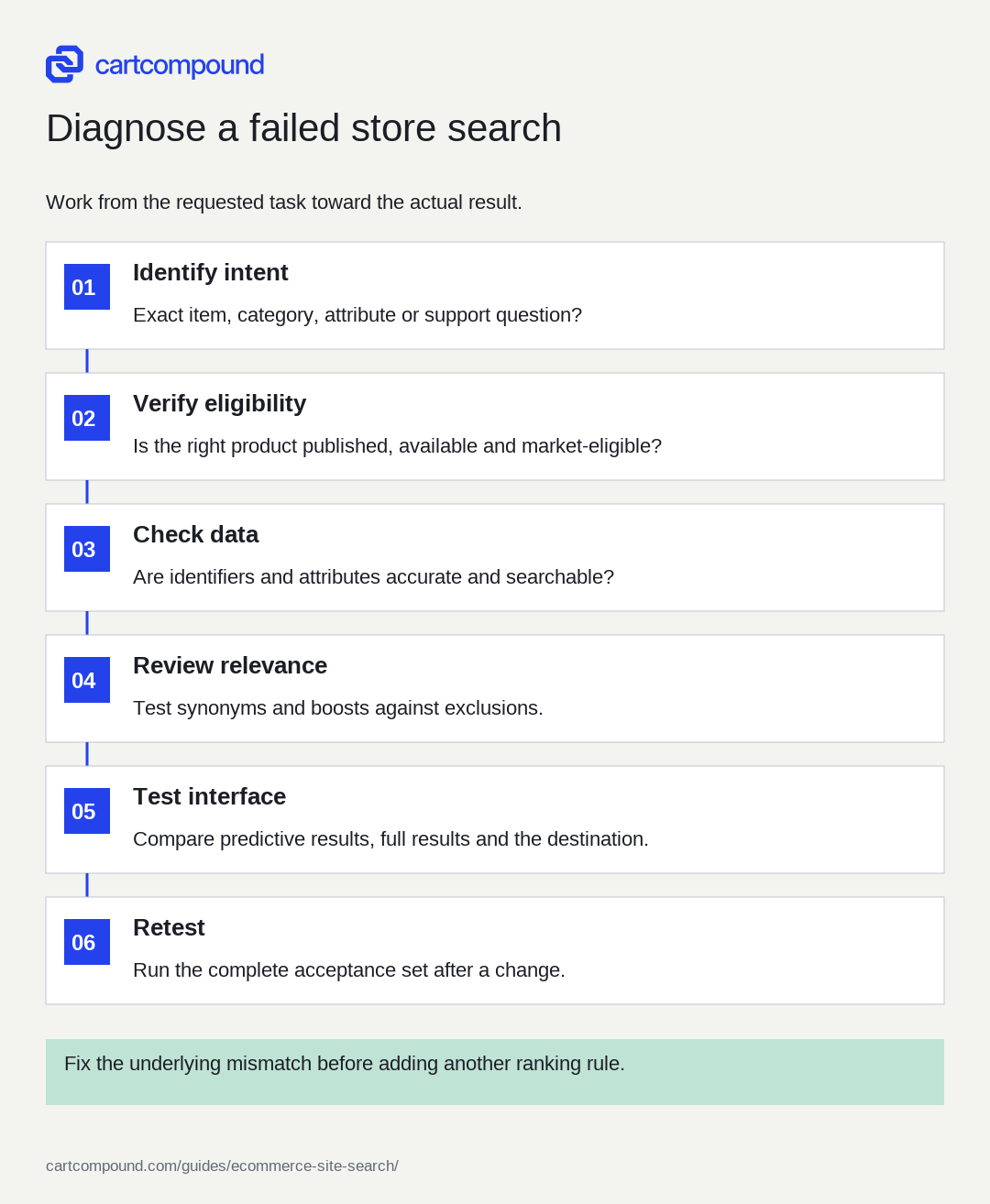
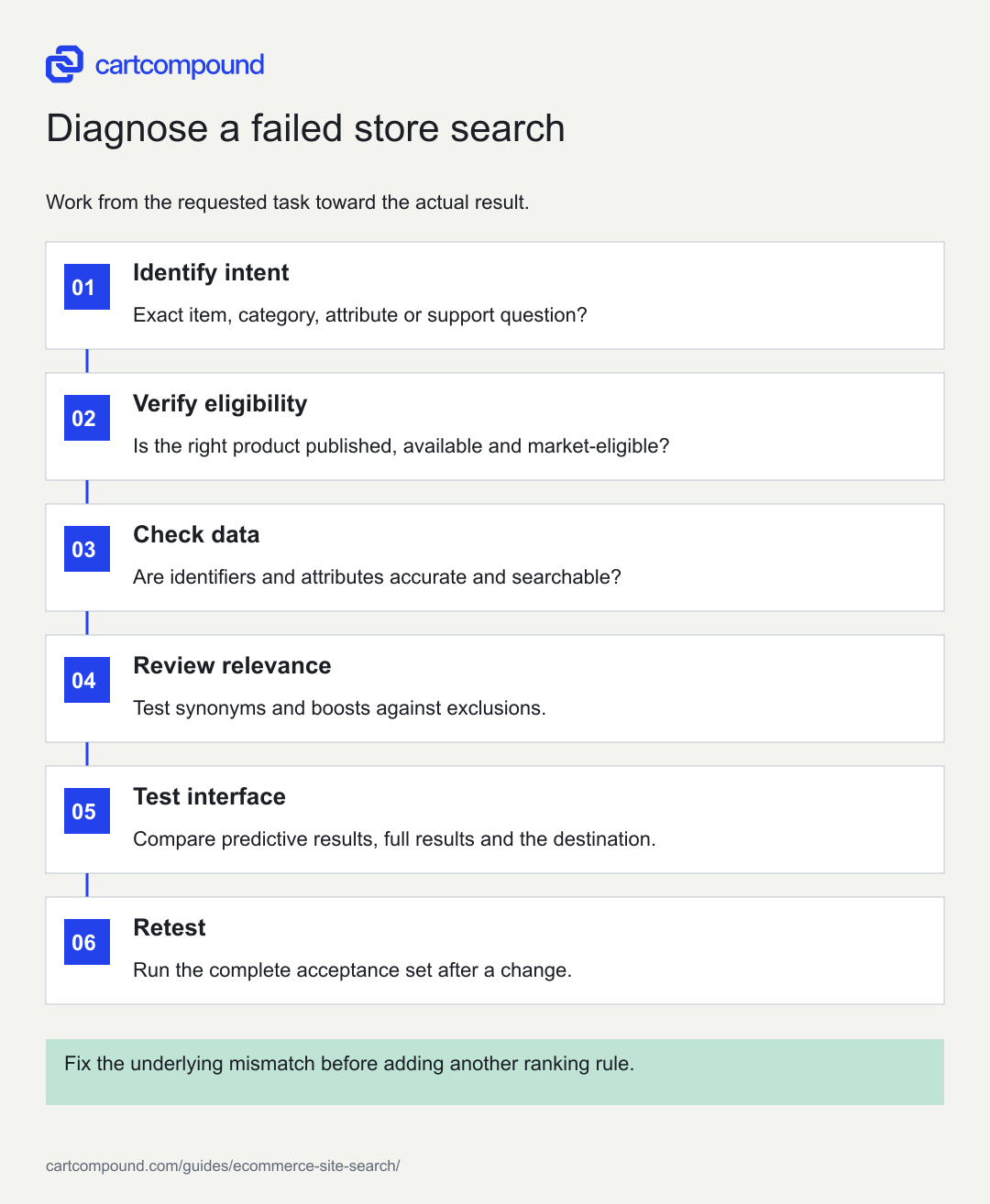
Diagnose a failed store search
Work from the requested task toward the actual result.
- Identify intentExact item, category, attribute or support question?
- Verify eligibilityIs the right product published, available and market-eligible?
- Check dataAre identifiers and attributes accurate and searchable?
- Review relevanceTest synonyms and boosts against exclusions.
- Test interfaceCompare predictive results, full results and the destination.
- RetestRun the complete acceptance set after a change.
Fix the underlying mismatch before adding another ranking rule.
Use the steps with your store data. Examples in this guide are illustrative unless a source is named.
Diagnose zero results before adding synonyms
Zero results can reflect absent stock, missing attributes, unsupported language, a typo, an unrecognized identifier or a genuinely unavailable product. Inspect the catalog and publication state first. A product cannot appear in storefront search if the relevant channel or market does not expose it appropriately. Confirm the exact item and its eligible context.
Add synonyms only when the terms refer to the same practical need in the store's catalog. A customer phrase can be broader or more ambiguous than the merchant's preferred term. Test nearby queries to make sure the new mapping does not introduce irrelevant matches. A synonym that fixes one query while breaking five related ones is not a clean improvement.
Separate 'no products match' from a system error. The interface should explain the difference and provide recovery: remove a constraint, correct a likely spelling, browse a relevant category or contact support where appropriate. Do not silently substitute incompatible products to avoid a zero-result page. A truthful empty state is more useful than a confident-looking list that sends the customer toward the wrong item.
Improve catalog data before relying on manual ranking
Normalize the attributes customers search for. Use consistent model identifiers, dimensions, materials, pack quantities and compatibility records. Decide which fields should support search and ensure imports populate them reliably. Avoid hiding essential selection information only in images or unstructured supplier documents.
Review titles for recognition, but do not turn every product name into a list of query variations. Clear factual names and structured attributes are easier to maintain. Check whether variant information is represented at the right level. A family may contain an eligible configuration even when the default selected option does not match the query.
On a small screen, swipe the table to see every column.
| Observed problem | Investigate first | Possible repair |
|---|---|---|
| Exact code absent | Identifier storage and indexing | Populate the supported searchable identifier field |
| Attribute query misses relevant items | Missing or inconsistent attributes | Normalize values and imports |
| Wrong accessories appear | Compatibility evidence | Correct relationships and exclusions |
| Only unavailable options dominate | Stock scope and ranking rules | Make availability and alternatives clear |
Use boosts with an explicit relevance boundary
A boost can be useful when a commercially important product is genuinely relevant but underrepresented. It should not override the meaning of a precise query. Write a reason, scope and review date for every manual intervention. Promotional boosts should expire or be reviewed when stock, price or campaign conditions change.
Shopify currently documents limitations around search customizations, including that product boosts are not applied when a query uses search syntax; see Search & Discovery search customization guidance. Verify the current feature behavior before building a process around it. Custom storefronts and third-party search systems can have different rules.
Test boosts against the full acceptance set, not only the target phrase. Check exact product queries, alternatives and incompatible items. Keep merchandising changes traceable so a future relevance issue can be linked to a known intervention. The objective is a helpful result set that supports purchase decisions, not simply more exposure for a product the customer did not request.
Check predictive search and full results separately
Predictive search can help customers recognize an item or refine a query before submitting it. The dropdown and full result page may use different layouts, supported result types or theme features. Shopify's Predictive search describes its predictive behavior. Inspect both rather than assuming a fix in one automatically changes the other.
On a phone, test typing, clearing, keyboard behavior, focus, result labels and tapping a product. Make sure a narrow suggestion does not obscure whether the destination is a product, collection or article. The selected link should lead to the correct item and market, including the relevant variant where selection matters.
Measure failed interactions such as repeated reformulation or immediate return to search where the analytics setup supports them. Interpret carefully: refining a broad query can be normal, while repeated changes to an exact identifier may signal a defect. Pair behavior with observed test results. A high click rate is not automatically success if the clicked products are unsuitable and customers then abandon the task.
Choose deliberate rules for search result URLs
Internal search addresses can represent unlimited typed strings, sorting and pagination. They should not become a search landing-page program by accident. Inventory the URL grammar and existing platform controls. Decide how crawlers and indexers should treat these utility pages, and verify the actual robots and page-level output before editing.
When a recurring shopping need deserves an external entry point, build a maintained category or guide with stable assortment, clear copy and normal links. Do not rely on a raw query URL whose results change unpredictably with ranking rules. Google's Help Google understand your ecommerce site structure recommends linked ecommerce structures and explains the limits of depending on a search box for discovery.
Use the broader crawl-control principles in Managing crawling of faceted navigation URLs when query and filter combinations create an expansive URL space, while recognizing that internal search and category facets are different interfaces. Robots controls, noindex and canonical declarations have distinct roles. Do not block an already indexed URL and assume that this instantly removes it or allows Google to read a new noindex directive.
Use a search scorecard with honest denominators
Define each metric before interpreting it. A zero-result rate needs a denominator such as submitted searches in the same period and market. Do not mix predictive keystrokes with completed full searches unless the report explicitly uses that definition. A user typing one phrase can generate several requests, so request counts and shopper search attempts are not necessarily equivalent.
Add an exact-item success measure from the acceptance set: how many tested identifier queries return the correct eligible item in the agreed result area? Keep this as a test-set result rather than presenting it as a population estimate. The set is intentionally chosen to catch important cases, so it is not a random sample of all queries. Report failures by type and business significance.
For behavioral data, distinguish no click, reformulation, product click and completed purchase where the authorized setup measures them. No click can mean the answer was visible, the result was wrong or the visitor was interrupted. Review examples before assigning a cause. Pair the scorecard with a small failure queue containing the exact query, expected outcome, actual result and owner. The useful management question is which concrete mismatch to fix next, not whether one aggregate search conversion rate moved by a small amount.
Review search as an ongoing service
Maintain a weekly or trading-cycle review of important failures, with the frequency chosen for the store's activity. Group issues into data, relevance configuration, stock, interface and missing assortment. Some problems require procurement or a better policy page rather than a search-engine tweak. Assign ownership accordingly.
Use a search scorecard with acceptance-set pass results, zero-result explanations, exact-item success, relevant result clicks and downstream purchasing context. Do not compare search users directly with all other visitors and claim that search caused any conversion difference; the groups can have different intent. Observe patterns and use controlled changes where practical.
The next action is to assemble twenty representative queries with expected results, including five important failures and five queries that must remain correct. Fix one underlying data problem, rerun the full set and record the outcome. Then review URL controls and the path from recurring queries to maintained category pages. A dependable search process makes both product discovery and catalog weaknesses easier to understand.
Your action checklist
Use this to decide what to do next. Your checks stay on this page and are not sent or saved.
0 of 6 checked
Common questions
Should every zero-result query get a synonym?
No. First check publication, stock, identifiers and actual assortment. Some queries refer to products the store does not sell, and an honest recovery path is better than irrelevant matches.
Should internal search pages be indexed?
Choose an explicit policy rather than letting arbitrary query URLs become landing pages. Durable shopping needs are often better served by maintained categories or guides with stable content and links.
Do product boosts fix poor search relevance?
They can address scoped cases, but they cannot replace accurate product attributes or clear relevance requirements. Test boosts against exact-item and exclusion queries before relying on them.
Sources and review
Source documentation checked October 27, 2026. Platform features and interfaces can change. The recommendations and illustrative examples explain how to make the decision; they do not promise results.
- Modifying search with Shopify Search & Discovery
Search result types, product boosts and customization considerations. - Predictive search
Shopify predictive search behavior and theme support. - Help Google understand your ecommerce site structure
Crawlable hierarchy and links connecting category and product pages. - Managing crawling of faceted navigation URLs
Crawl control options and consistent handling of empty or nonsensical filters.
Talk through your store question
Bring one problem you want to solve.
A free 20-minute call with Hamid can help you decide what to investigate next.
Book a free 20-minute call
About the author
Hamid Khan
Hamid co-founded CartCompound and works with ecommerce founders on their stores and growth priorities.
Profile and guides