The short answer
Connect departments, categories and products through normal links, then add contextual links where they help customers choose. Find important URLs with no meaningful incoming path, repair broken and redirected links and verify later grid pages. Prioritize useful routes and clear labels over arbitrary link counts.
Use links to express shopping relationships
Internal linking tells customers where they can go next and gives crawlers routes to discover pages. In an ecommerce store, those relationships include departments, categories, products, compatible accessories and buying guidance. The work is not to distribute a fixed number of links to every page. It is to build understandable paths to useful destinations.
Google's Help Google understand your ecommerce site structure recommends linking through the site hierarchy so products are reachable from category pages. It also explains that Google generally uses links, rather than reading a site's URL folders alone, to understand structure. A carefully nested address cannot compensate for a product that has no discoverable incoming links.
Start with the business's main shopping tasks. Write the route a new visitor should follow from a broad need to a suitable product. Add the information they need at each step. For a camera-accessory store, that might be device family, compatible accessory type, selected item and installation guidance. If the visitor must use the search box to discover a major range, the navigation may be carrying too little of the work.
Build a link inventory that separates intent from discovery
Collect intended public URLs from the catalog or sitemap, then crawl from the homepage. Compare the sets to find pages that exist but are not reached through ordinary site navigation. Check important products, collections and guides individually because a crawl can miss content for several reasons, including configuration and rendering limitations.
For each priority URL, record incoming source pages, link placement, anchor text, status, canonical and commercial purpose. Link count alone does not tell you whether the routes are useful. Twenty footer links from a generic block may serve customers less effectively than one relevant link from a well-used buying guide. Avoid turning an arbitrary inlink count into a universal quality score.
An orphan is a practical warning, not an automatic instruction to put the page in the main menu. Ask whether the page should still exist, whether it is a duplicate and which audience needs it. A useful support document may belong in an owner-help route rather than a shopping category. An accidental duplicate may need consolidation. The inventory should lead to the correct relationship, not merely another link anywhere on the site.
 Keep this framework
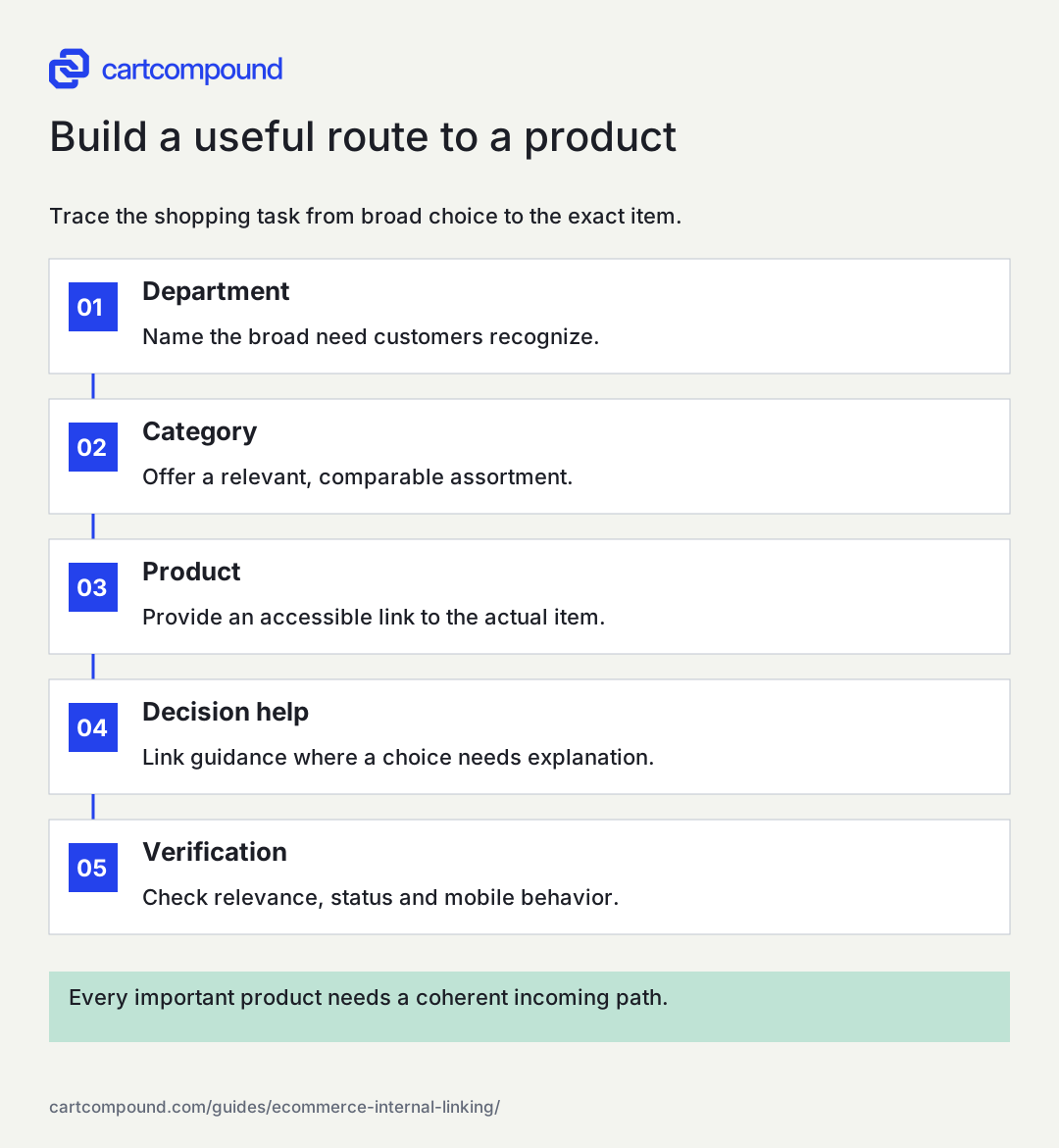
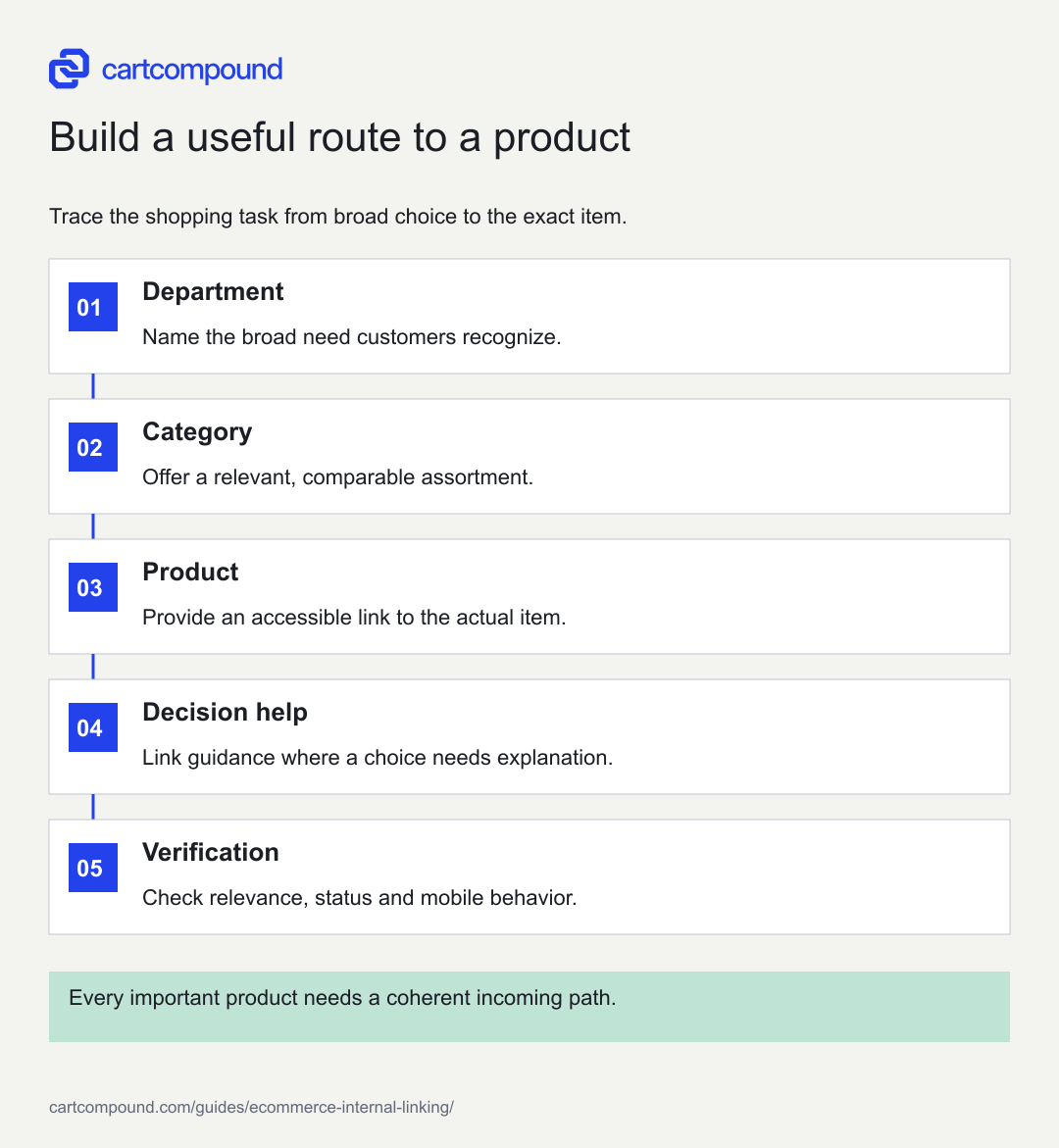
Build a useful route to a product
Trace the shopping task from broad choice to the exact item.
- DepartmentName the broad need customers recognize.
- CategoryOffer a relevant, comparable assortment.
- ProductProvide an accessible link to the actual item.
- Decision helpLink guidance where a choice needs explanation.
- VerificationCheck relevance, status and mobile behavior.
Every important product needs a coherent incoming path.
Use the steps with your store data. Examples in this guide are illustrative unless a source is named.
Give categories a clear parent and useful neighbors
A category should usually have a sensible parent or department route and links to its products. A broad parent can introduce narrower tasks, such as 'portable lighting' leading to 'rechargeable work lights' and 'headlamps.' Use labels customers recognize and keep the hierarchy consistent enough to navigate without memorizing the store.
Related-category links should reflect genuine alternatives or complementary tasks. Explain why a shopper might move there when the connection is not obvious. Avoid adding every category to every other category through a dense link cloud. That can make the page harder to use and hides the distinctions the structure should communicate.
Breadcrumbs can support orientation, but review what they represent when a product belongs to several collections. The breadcrumb should remain coherent on direct entry and not depend entirely on an earlier browsing session. Test the actual links and destination status. A visible breadcrumb with a missing address or a script-only action does not provide the same dependable route as a normal linked trail.
Expose products beyond the first grid
Large collections need a path to later products. Inspect pagination, load-more behavior and infinite scrolling. The shopper-facing interface can be dynamic, but the underlying structure should still expose discoverable destinations. Google's Pagination and incremental page loading explains patterns for incremental loading and recommends distinct URLs in a paginated sequence.
Choose an item that appears late in a category and trace a route to it using ordinary links. Check whether the product is accessible through another relevant collection or recommendation as well. Do not assume a sitemap solves the whole issue. It can help discovery, but category links also explain the product's relationship to the rest of the store.
Test sorting and filtering independently. A deep product should not become discoverable only after someone selects a utility filter that crawlers are intentionally blocked from following. Inventory changes can shift product positions, so review a representative sample after major imports or merchandising changes. The acceptance test is a reproducible linked path to the product, not merely the fact that a known URL loads when pasted into a browser.
Connect guides to the decision they help complete
A buying guide should link when the reader has enough context to take a useful next step. A section explaining desk measurements can lead to a category filtered by verified dimensions. A compatibility explanation can link to the appropriate accessory range. The link should continue the reasoning instead of interrupting it with a generic sales block.
Use descriptive anchor text that names the destination or task. 'Compare compact standing desks' is more informative than 'click here' when the category genuinely fits that description. Keep language natural and avoid repeating an exact phrase mechanically. Google's Designing a URL structure for ecommerce sites recommends normal links with meaningful text when possible.
Review the destination as carefully as the source paragraph. Does it have suitable stock, preserve the stated selection and work in the reader's market? A guide that recommends an unavailable or incompatible product can create friction despite technically correct links. Add an editorial review trigger when linked ranges retire or compatibility changes. The ongoing link relationship is part of content maintenance, not a one-time optimization exercise.
Make recommendations and accessories defensible
Product-to-product links can help customers discover substitutes, accessories and complementary purchases. Keep those relationships explicit. A substitute solves the same task with tradeoffs; an accessory depends on compatibility; a complement supports another part of the task. Mixing them in one unlabeled carousel can make the shopper infer a relationship that does not exist.
Create a relationship worksheet with source item, destination item or category, relationship type, supported compatibility and review owner. A manufacturer-confirmed cable relationship deserves different wording from a stylistic suggestion. Never infer technical compatibility solely from names or images. Use product records and qualified review where needed.
On a small screen, swipe the table to see every column.
| Link relationship | Customer question | Useful verification |
|---|---|---|
| Parent category | What else fits this shopping task? | Relevant assortment and clear category name |
| Alternative product | What can I choose instead? | Shared requirements and explained differences |
| Compatible accessory | Will this work with my item? | Supported compatibility evidence |
| Buying guide | How do I choose correctly? | Current advice and accurate linked destinations |
Repair broken, redirected and misleading routes
Prioritize links that fail in active shopping paths or important guides. Check the response of the exact destination, including parameters used to select a variant. A successful redirect is better than a dead end, but internal links should generally point directly to the intended final page when the context remains valid. Review the source copy before replacing the address.
For an illustrative camera store, a guide links to a retired battery. The closest current battery is compatible with only some of the old models. Replacing the link silently would make the advice inaccurate. The correct edit may be a compatibility note, a separate destination for each model or an archive link preserving the original explanation. Technical cleanup cannot substitute for product judgment.
Use consistent canonical destinations for ordinary links to duplicate representations; see How to specify a canonical URL. Preserve selected variant links where selection is part of the promise. Avoid global stripping of parameters without understanding what they do. Track fixes by pattern so a template repair can correct thousands of generated links while a contextual editorial issue receives the careful review it needs.
Give development a concrete link acceptance test
Inspect the link element as well as its visible label. A normal destination should be represented by an actual link with an href pointing to the intended public URL. A click handler on a styled container may work for a mouse user while creating a weaker or inaccessible discovery path. Ask development to demonstrate the generated output in the final storefront, including mobile navigation and delayed recommendation components.
Create five acceptance examples: parent-to-category, category-to-product, later-grid-to-product, guide-to-category and product-to-compatible-accessory. For each, record the source URL, visible label, actual destination, response and whether the relationship remains accurate on direct entry. Include a long product name and a missing-stock state so the test does not depend on ideal sample data.
Keep discovery tests separate from click measurement. An analytics event can fire when a control is clicked even if the destination is broken, and a valid link can work without a dedicated custom event. Use the browser and response evidence to confirm the route, then the authorized analytics setup to understand usage. When a new component replaces a plain link with an interactive card, rerun this matrix. That is a focused regression test with a clear business reason, rather than a rule requiring every page to contain an arbitrary number of links.
Your action checklist
Use this to decide what to do next. Your checks stay on this page and are not sent or saved.
0 of 6 checked
Common questions
How many internal links should a product page have?
There is no useful universal count. Include the navigation, related products and guidance that support the shopping task, and make important destinations reachable through coherent paths.
Can a sitemap replace internal links?
A sitemap can assist discovery, but it does not provide the same customer navigation or contextual relationship as links from categories and relevant content.
Should every guide link directly to products?
Only where a product is a useful next step and the recommendation is supported. Some questions lead naturally to a category, comparison, support page or another explanation first.
Sources and review
Source documentation checked October 27, 2026. Platform features and interfaces can change. The recommendations and illustrative examples explain how to make the decision; they do not promise results.
- Help Google understand your ecommerce site structure
Crawlable hierarchy and links connecting category and product pages. - Pagination and incremental page loading
Discoverable paginated URLs and distinct canonical pages in sequences. - Designing a URL structure for ecommerce sites
Consistent product and variant URLs and handling empty categories. - How to specify a canonical URL
Canonical signals, consistent internal links, and limits of canonical declarations.
Talk through your store question
Bring one problem you want to solve.
A free 20-minute call with Hamid can help you decide what to investigate next.
Book a free 20-minute call
About the author
Hamid Khan
Hamid co-founded CartCompound and works with ecommerce founders on their stores and growth priorities.
Profile and guides